 KIDS ART: COLORING PAGES
Building the family app I wanted every time my kids asked for a coloring page.
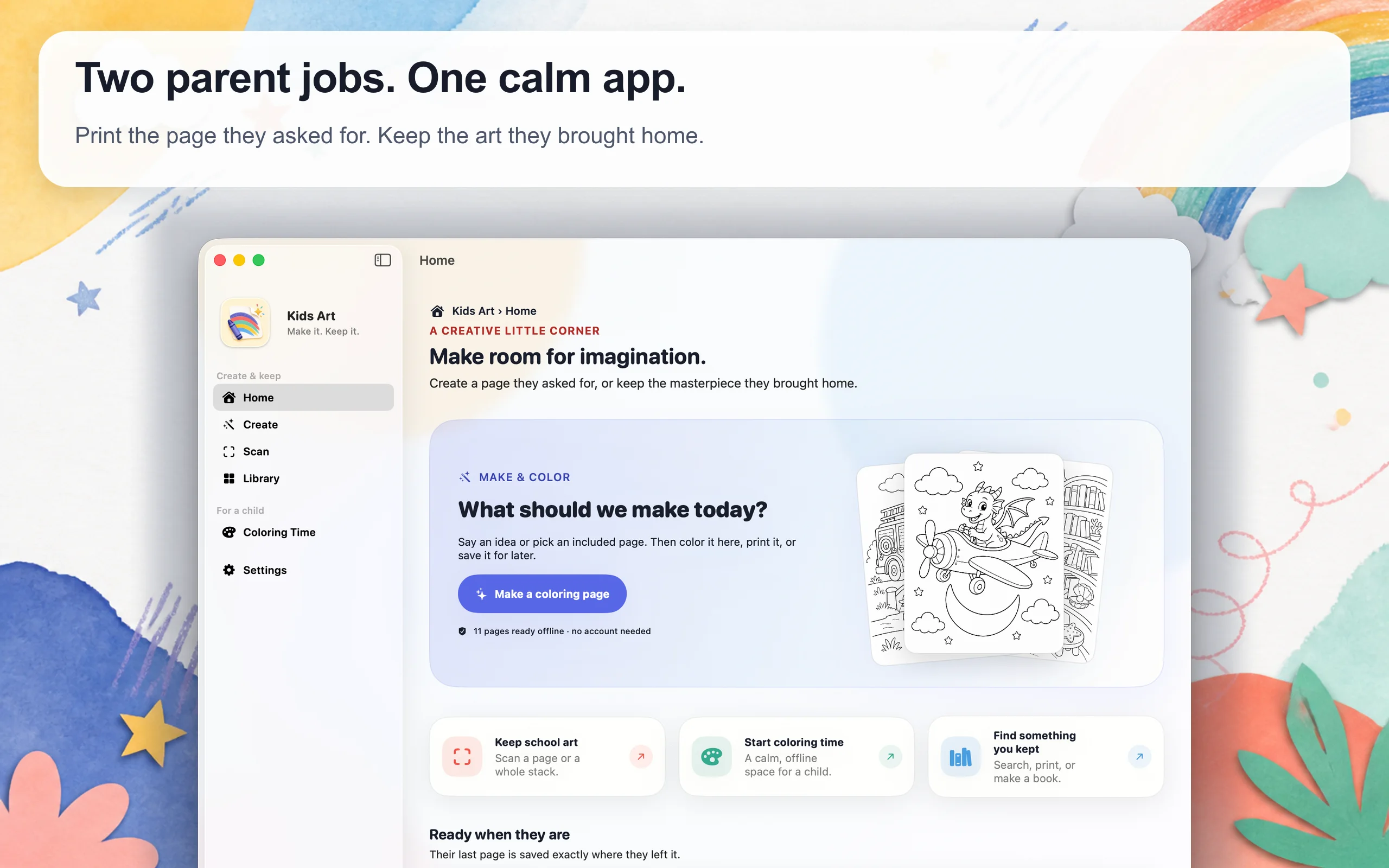
One request used to lead through popups, dead links, and pages that printed badly. Kids Art turns that moment into a calm loop: make the page, color it, print it, and keep the art that comes home.
THE STARTING POINT
The useful part should have taken one minute.
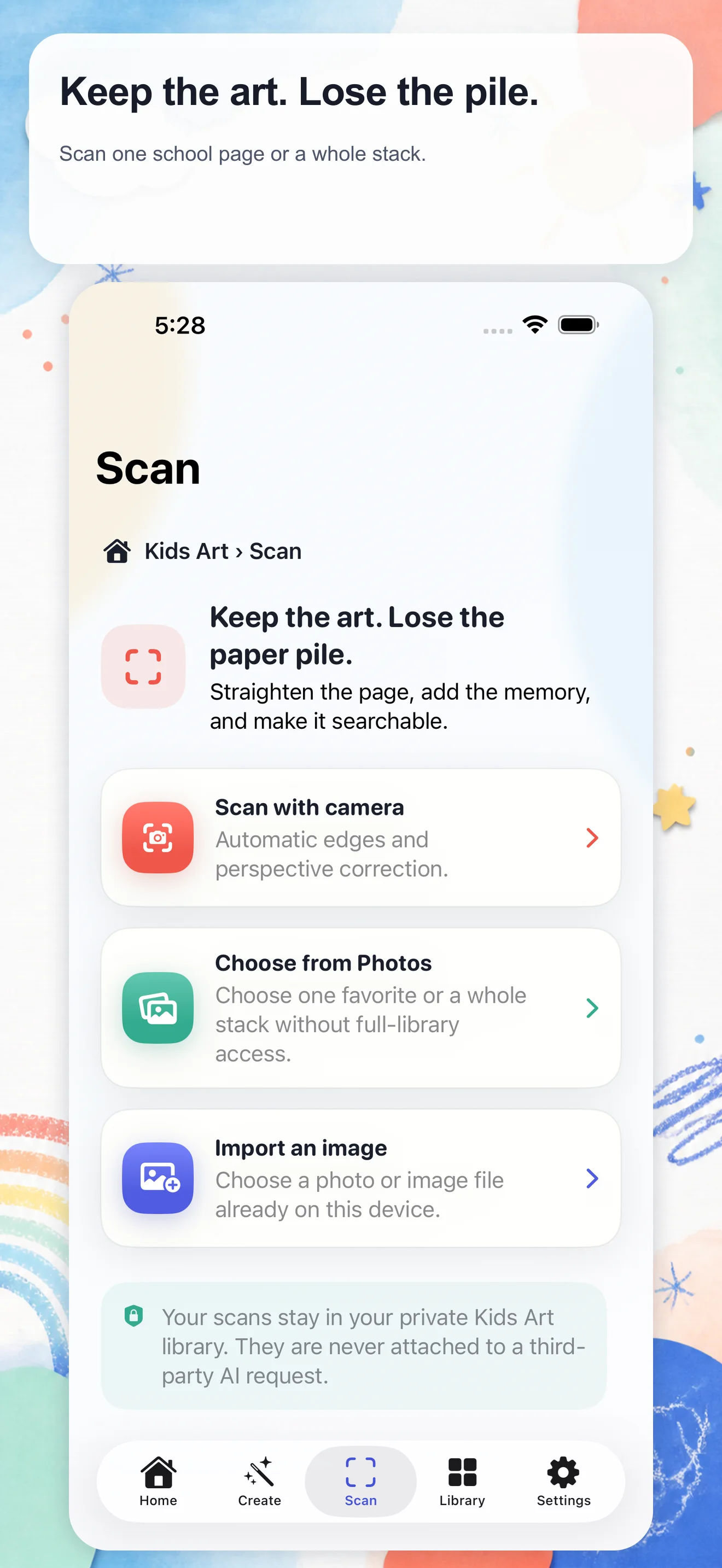
Finding one printable coloring page meant sorting through popups, broken links, tiny images, and pages built for ad impressions. At the same time, the art coming home from school was hard to keep, search, or turn into something worth saving.
The first prototype solved the immediate request. The product became more interesting when I connected that moment to the school artwork parents feel guilty throwing away. Creation and memory belong in the same family loop.
Make what they imagined. Keep what they made.
PRODUCT EVOLUTION
The coloring page was the entry point, not the whole product.
The first version did one thing: take a specific idea and return a clean page. That was already better than opening another search result. But the same families also had finished drawings on the refrigerator, school projects in a pile, and photos of art disappearing into a camera roll.
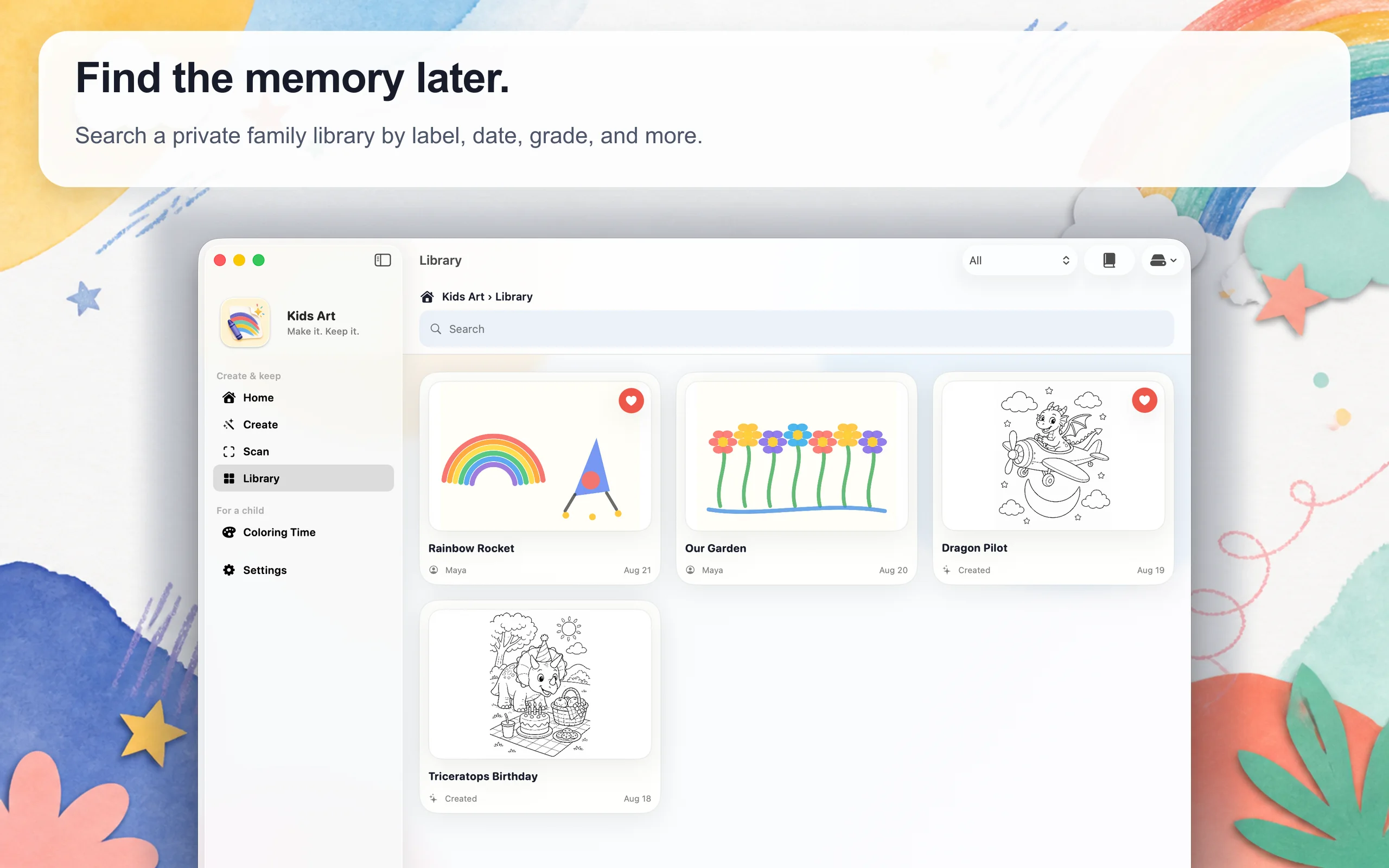
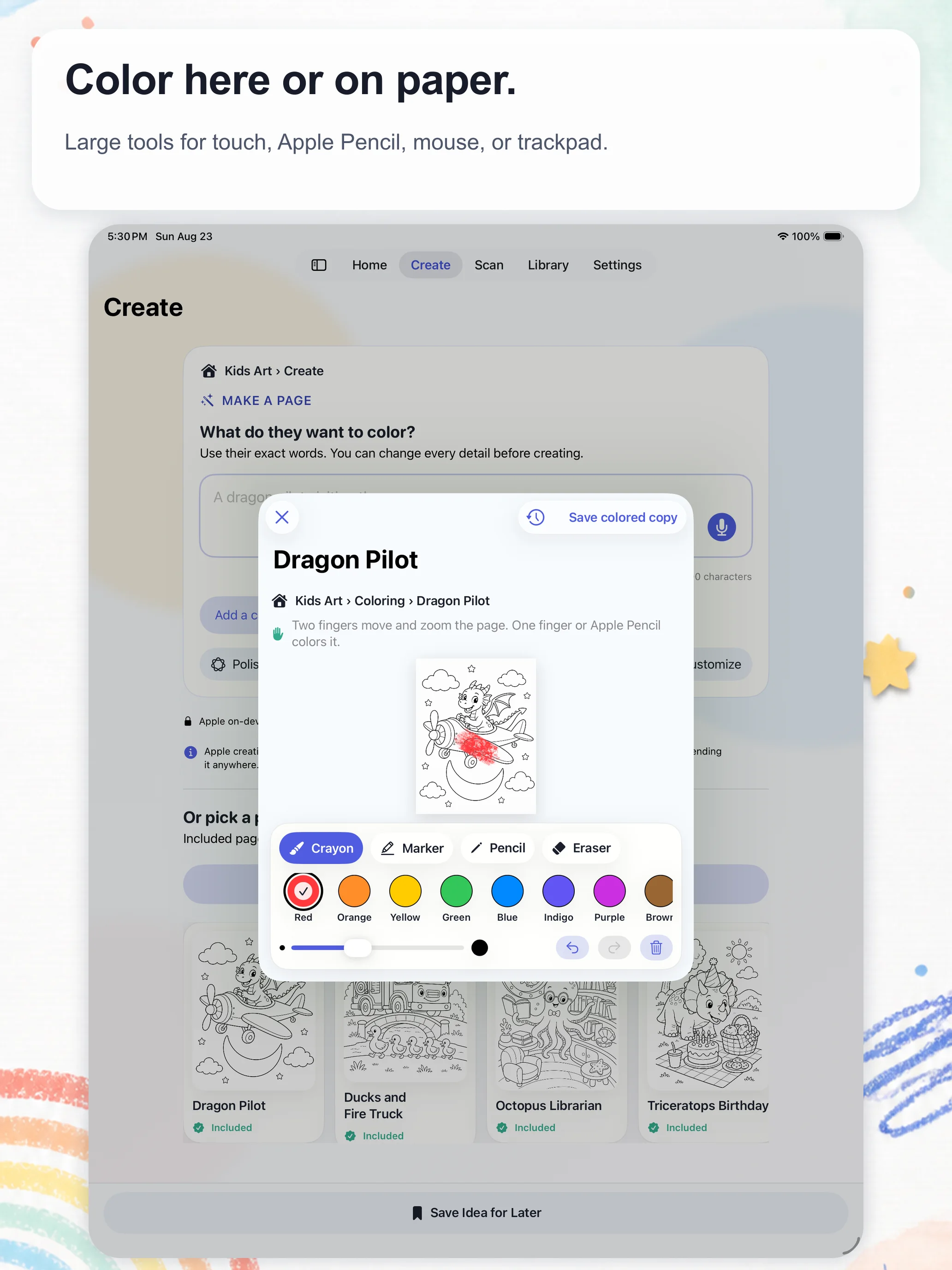
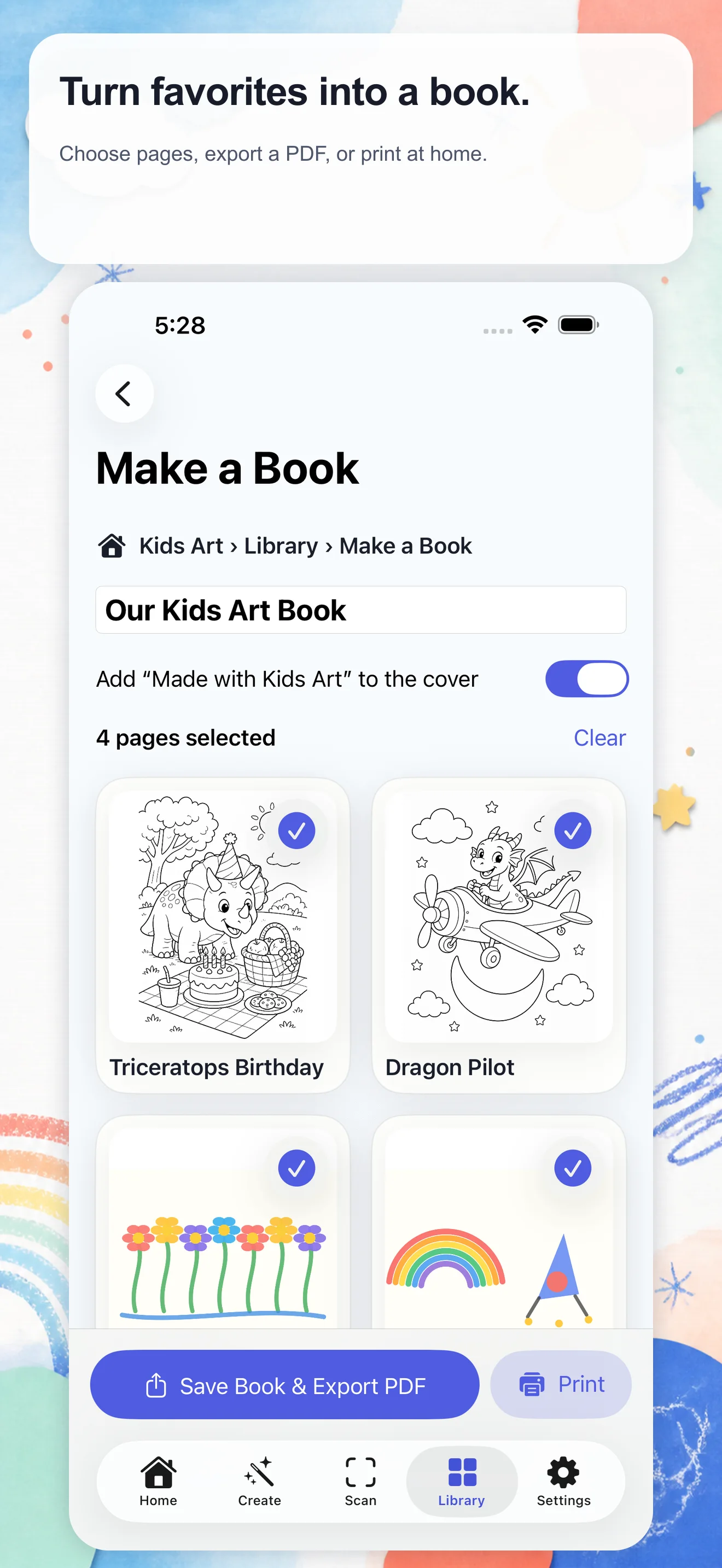
The product became a loop. A parent can begin with an included page or a custom idea, print or color it, scan work that comes home, add a date or small memory, find it later, and collect favorites into a PDF book. Each step produces a useful artifact outside the app.
THE PRODUCT CHOICES
Five decisions kept the app useful and calm.
- 01
Deliver delight before configuration
Eleven printable pages ship in the app. A family can color, print, scan, and save before deciding whether custom generation matters.
- 02
Design separate parent and child routes
Coloring Time is large, direct, and easy to leave. Keys, providers, backups, and settings stay behind Parent Access without trapping navigation.
- 03
Keep family content local by default
Artwork, names, notes, dates, and voice memories remain in the device library unless a parent deliberately exports them.
- 04
Use the systems families already trust
Printing uses the Apple print sheet. Moving a library uses Files, including iCloud Drive and an enabled Google Drive provider.
- 05
Do not optimize for time spent
There are no ads, streaks, public gallery, messages, or infinite feed. Success is a page printed or a memory kept.
TECHNICAL PRODUCT MODEL
AI is optional. The family loop is the architecture.
Custom image generation can make a very specific request possible, but it should not be the price of entry or the place where family content accumulates. The app is arranged around four boundaries that remain useful across providers and devices.
- 01
A useful offline core
Included pages, coloring, scanning, the family library, PDF creation, and printing work without an account or model key.
- 02
One local source of truth
SwiftData stores artwork and its context. Files export creates a portable backup instead of introducing a product-owned cloud account.
- 03
Text-only provider boundary
Optional custom creation sits behind Parent Access. Provider adapters receive parent-entered text and settings, never the family library.
- 04
Standard outputs
A print route renders US Letter PDFs. Books are PDFs too, so families can save, print, or move them without product lock-in.
Parent-owned API keys are stored in Keychain. Requests use secure endpoints and contain only the text and generation settings the parent reviews. Child photos, scans, saved artwork, voice memories, names, notes, and school metadata are not attached.
RELEASE ENGINEERING
The showcase is backed by a tested universal app.
One SwiftUI codebase adapts to iPhone, iPad, and Mac instead of stretching one phone layout across every screen. Release checks cover signed builds, navigation, large text, contrast, reduced motion, minimum targets, automated accessibility audits, privacy declarations, entitlements, screenshots, static analysis, and secret scanning.
Printing exposed the kind of bug structural tests miss: a valid PDF once rendered upside down. The release workflow now renders and inspects the page itself. The submitted build produces a white US Letter PDF and opens the native print route; a physical AirPrint output check remains intentionally deferred.
WHAT THE BUILD TAUGHT ME
A small family frustration can support a serious product system.
The app works if one parent prints one page for one child. That simple measure kept the product honest while the technical surface grew to include scanning, search, backups, providers, accessibility, and three Apple form factors.
The deeper opportunity is not another coloring catalog. It is a private creative record that begins with what a child imagined and stays useful after the paper leaves the refrigerator.